Light mode or dark mode: choose how Akompa Notes looks
The Akompa team
Do you write your notes early in the morning, between sessions or late in the evening? Akompa Notes adapts to those moments: the app comes in light mode and dark mode, whichever you prefer.
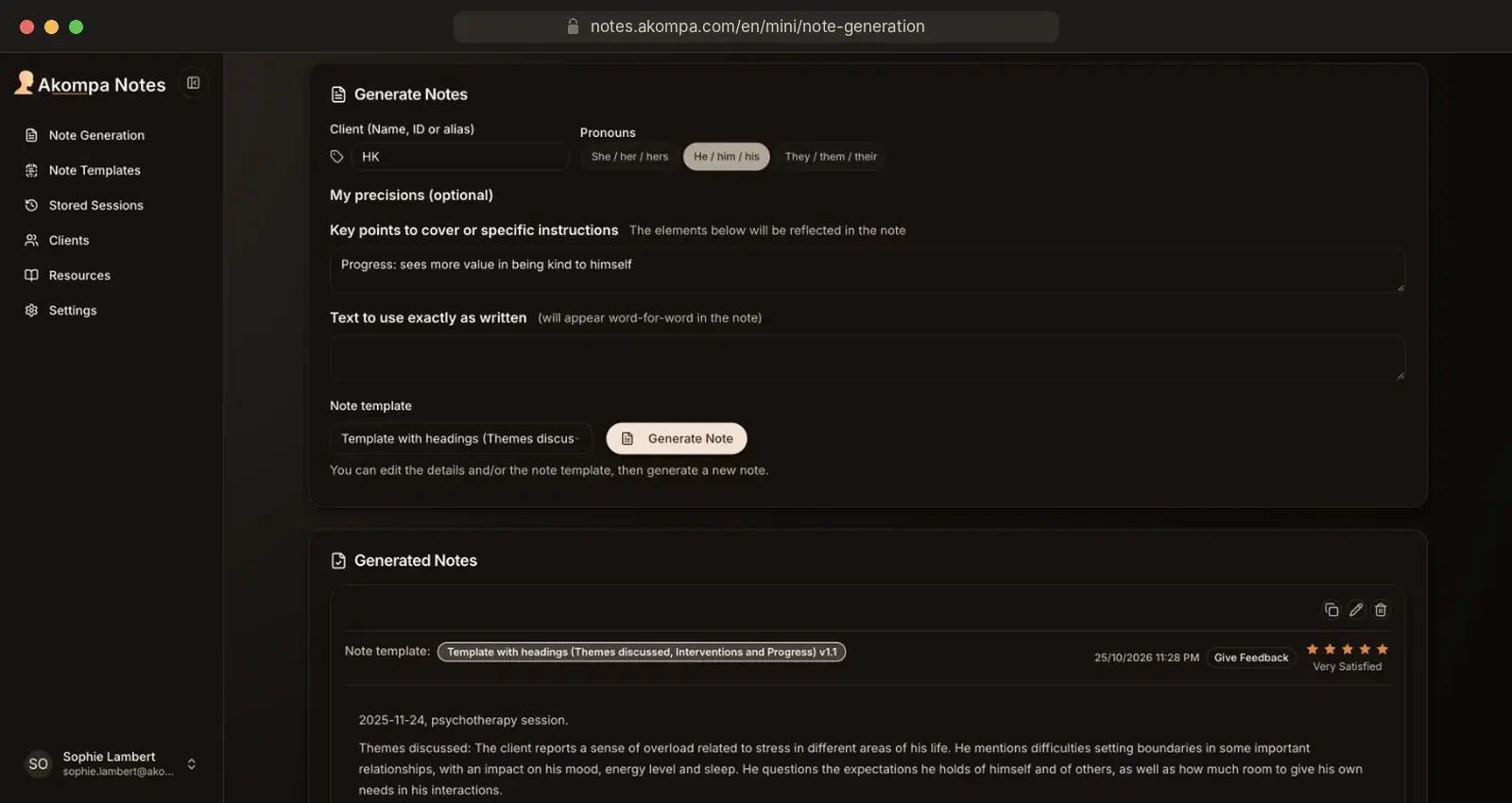
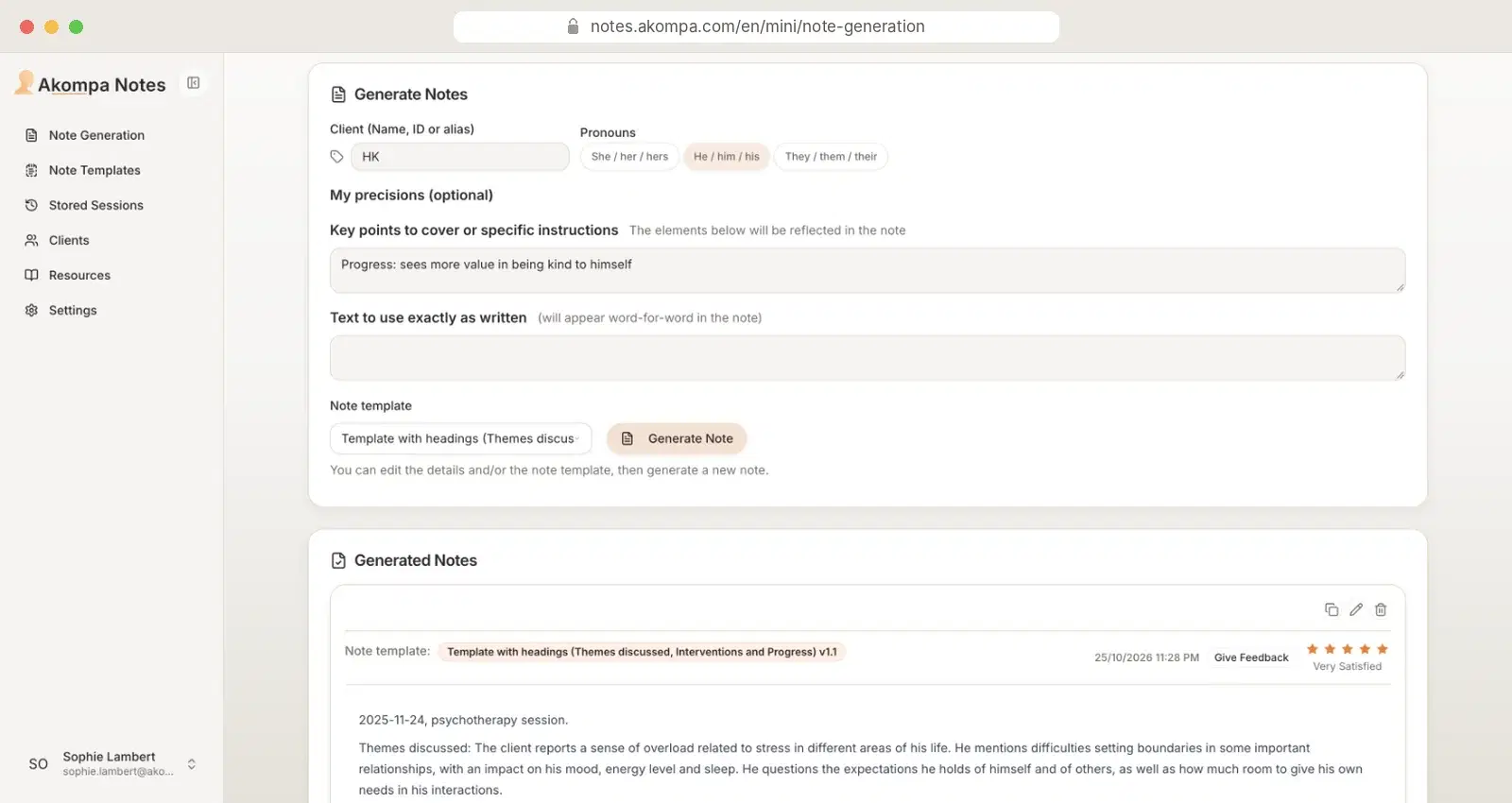 LightDark
How to choose the appearance
- In the left-hand menu, open Settings.
- In the Preferences section, choose System, Light or Dark.
Your choice applies right away and is saved to your account.
System, Light or Dark?
- System (default): Akompa Notes follows your computer or tablet setting and switches modes along with it.
- Light: a pale background with dark text, at all times.
- Dark: a dark background with pale text, easier on the eyes in a dimly lit room.
Only the display changes
The mode you choose only changes how the app looks on screen. Your notes, note templates and stored sessions stay exactly the same.